File list
More actions
This special page shows all uploaded files.


| Date | Name | Thumbnail | Size | User | Description | Versions |
|---|---|---|---|---|---|---|
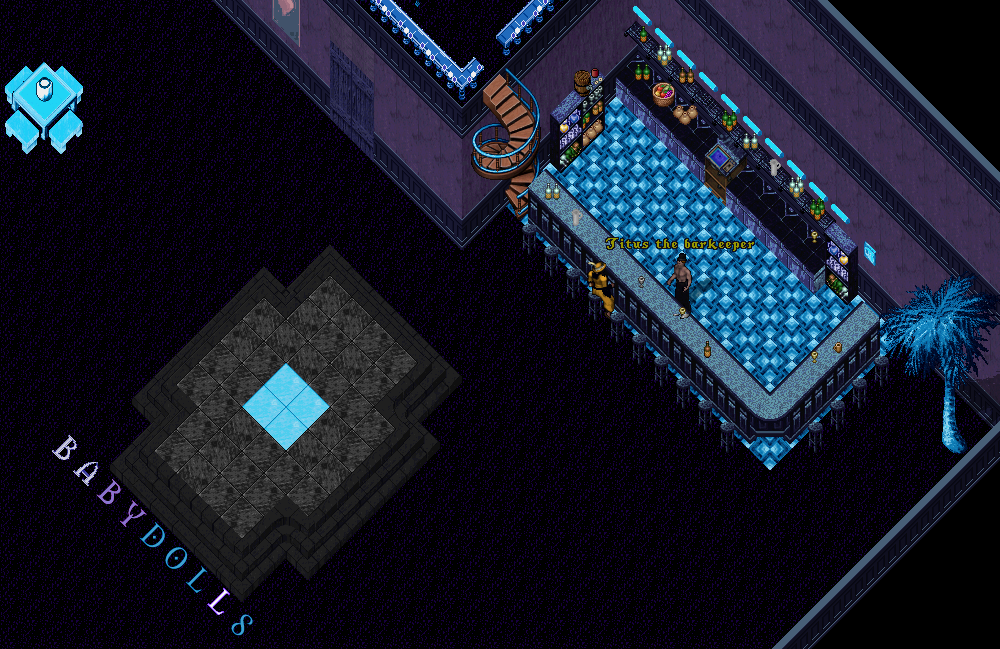
| 09:09, 7 July 2023 | Community Isle Casino Nightclub Bar.PNG (file) |  |
291 KB | Goddess Artemis (talk | contribs) | The Community Island Casino Nightclub Bar. | 1 |
| 09:08, 7 July 2023 | Community Isle Casino Nightclub Main Stage.PNG (file) |  |
399 KB | Goddess Artemis (talk | contribs) | The Main Stage of the Community Island Casino Nightclub. | 1 |
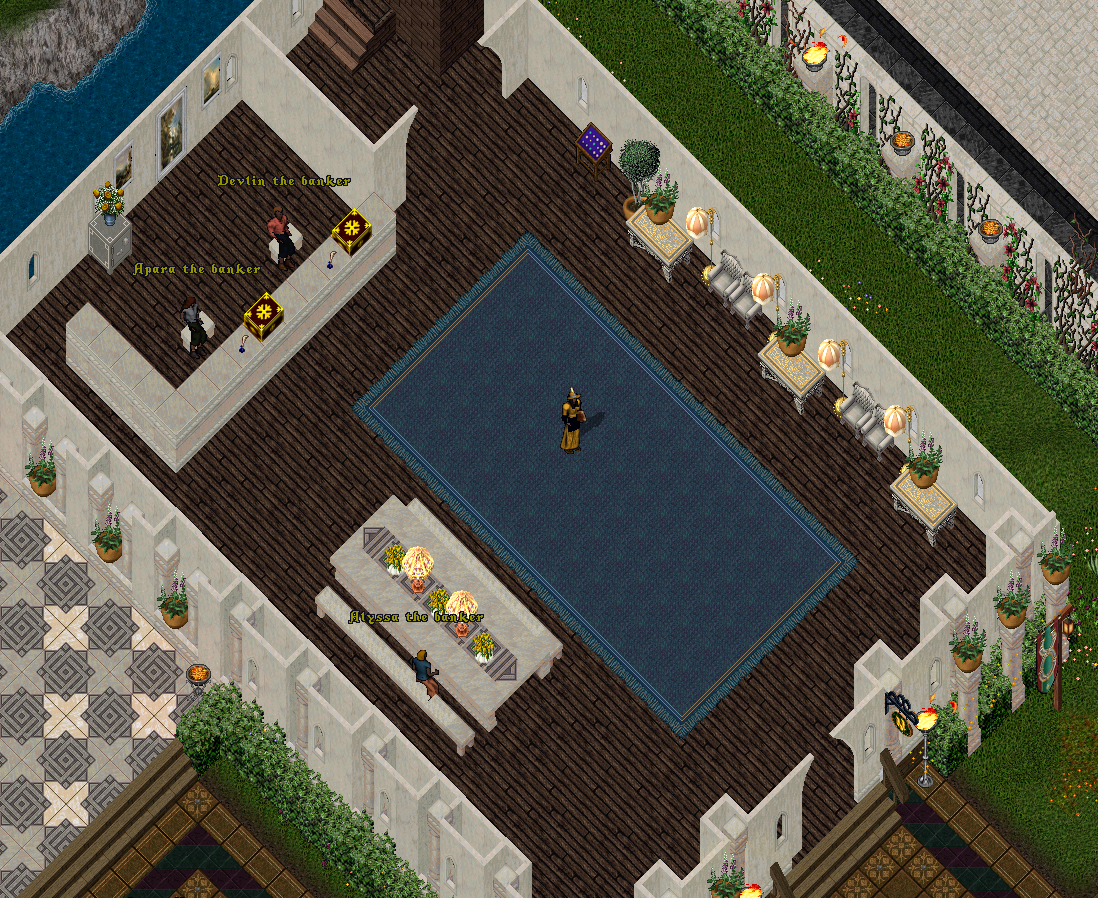
| 08:49, 7 July 2023 | Community Isle Bank.PNG (file) |  |
985 KB | Goddess Artemis (talk | contribs) | The Community Island Bank just south of the Main Gate and north of the Jousting Arena. | 1 |
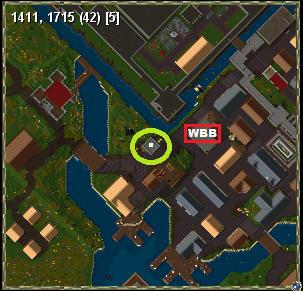
| 17:10, 4 July 2023 | Community Isle Britian Radar.PNG (file) |  |
68 KB | Goddess Artemis (talk | contribs) | The West Britain Radar Map where the West Britain Guard Outpost and West Britain Bank(WBB) can be seen. | 1 |
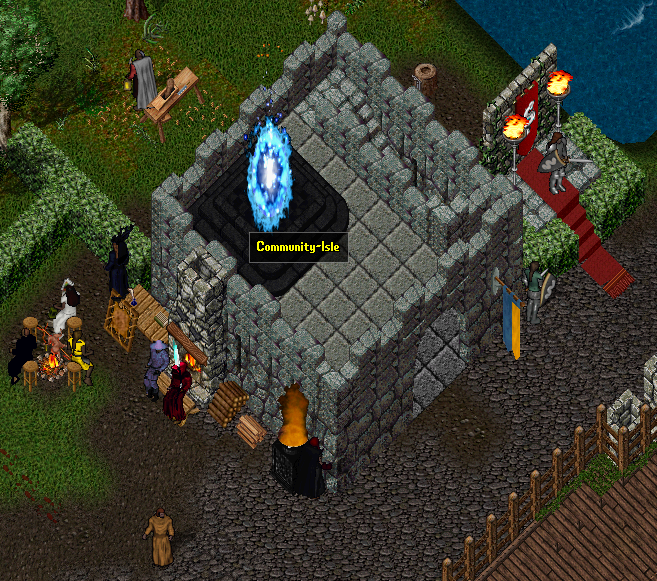
| 17:04, 4 July 2023 | Community Isle Britain Guard Outpost Moongate.PNG (file) |  |
559 KB | Goddess Artemis (talk | contribs) | The West Britain Guard Outpost where a permanent moongate to the Community Island can be found. This is also a return point for all of the various exit moongates found within the Community Isle. | 1 |
| 15:59, 4 July 2023 | Community Isle Radar.PNG (file) |  |
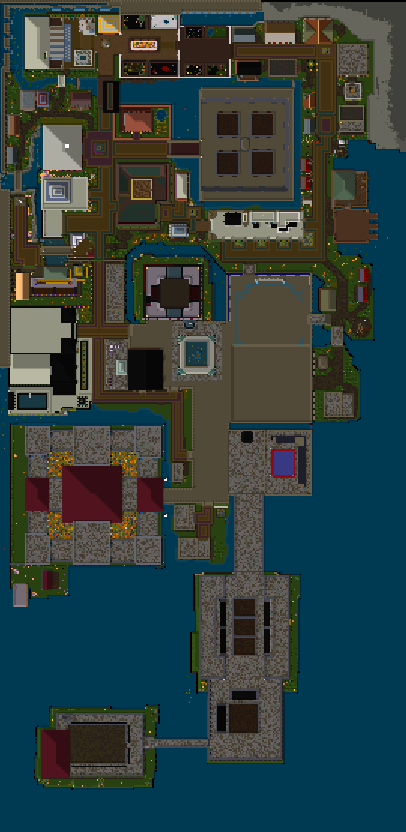
74 KB | Goddess Artemis (talk | contribs) | The Community Island as a radar view, up to date as of July, 2023. The Radar view was tilted so that entire image could be caught, please note that North is actually the top of the image, whereas normally North is the Top Right corner. | 1 |
| 11:23, 18 June 2023 | Monster Contracts Choose Corpse Message.PNG (file) |  |
5 KB | Goddess Artemis (talk | contribs) | The Message produced after double clicking a Monster Contract deed to target a corpse which adds to the progress of the Monster Contract. | 1 |
| 11:14, 18 June 2023 | Monster Contracts Deed.PNG (file) |  |
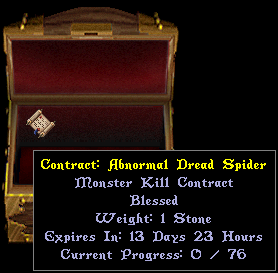
30 KB | Goddess Artemis (talk | contribs) | Monster Contract Deed. The Tooltips lets you see the Monster name and current progress along with how much time is left before the contract expires. | 1 |
| 11:12, 18 June 2023 | Monster Contracts Menu.PNG (file) |  |
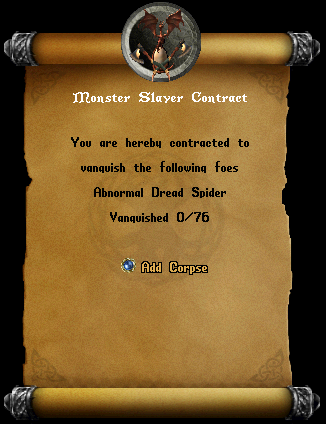
93 KB | Goddess Artemis (talk | contribs) | The Monster Contract Menu. Here you can see the Name and Amount of monsters the contract is for along with the "Add Corpse" button. | 1 |
| 10:23, 12 June 2023 | Tameables Battle Chickens Frosted Pink.png (file) |  |
8 KB | Goddess Artemis (talk | contribs) | The Frosted Pink Battle Chicken! | 1 |
| 08:48, 7 June 2023 | Accounts Login Menu.PNG (file) |  |
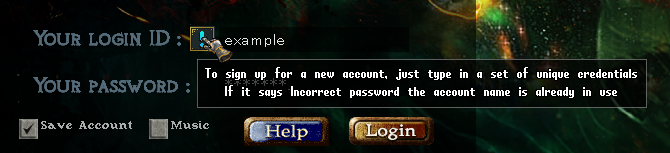
149 KB | Goddess Artemis (talk | contribs) | 2 | |
| 08:44, 7 June 2023 | Accounts Login Too Many Attempts.PNG (file) |  |
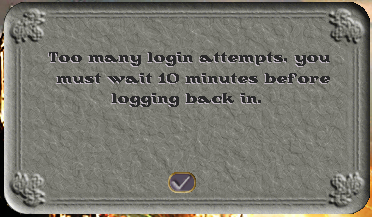
61 KB | Goddess Artemis (talk | contribs) | The Too Many Login Attempts message that occurs when attempting to log into Ultima Online Forever too many times. | 1 |
| 08:40, 7 June 2023 | Accounts Login Unable To Create New Account.PNG (file) |  |
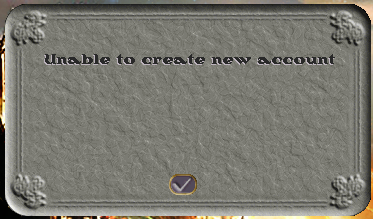
64 KB | Goddess Artemis (talk | contribs) | The Unable to create ne account message from the login creation process in Ultima Online Forever. | 1 |
| 08:37, 7 June 2023 | Accounts Login Preview.PNG (file) |  |
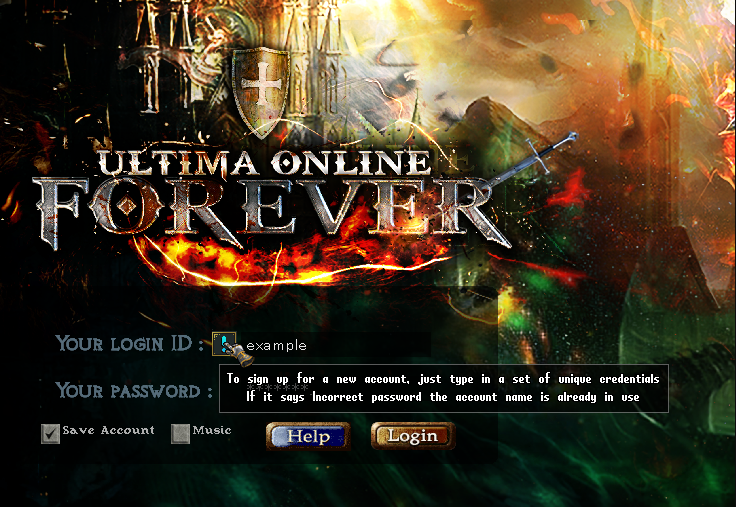
820 KB | Goddess Artemis (talk | contribs) | 2 | |
| 13:42, 6 June 2023 | Accounts Login Discord Link.PNG (file) |  |
4 KB | Goddess Artemis (talk | contribs) | The !link command used to initiate the linking process of your in game account to DIscord. | 1 |
| 13:37, 6 June 2023 | Accounts Login Discord Validation Menu.PNG (file) |  |
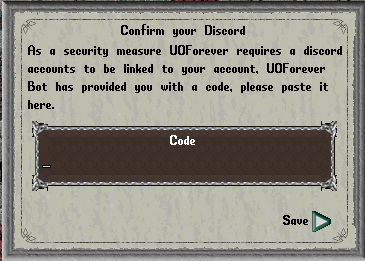
45 KB | Goddess Artemis (talk | contribs) | The Discord Validation Menu in the Ultima Online Forever game. | 1 |
| 13:37, 6 June 2023 | Accounts Login Discord Validation Bot Message Step 2.PNG (file) |  |
20 KB | Goddess Artemis (talk | contribs) | After the Bot verifies that account, the bot will ask you to copy/paste the code into the Discord Validation Menu in the game. | 1 |
| 13:33, 6 June 2023 | Accounts Login Discord Validation Bot Message Step 1.PNG (file) |  |
27 KB | Goddess Artemis (talk | contribs) | After you are logged into the game, type !link in #landing-pad channel which the UOForever Bot will see and send you a direct message in Discord. | 1 |
| 13:19, 6 June 2023 | Accounts Discord Security Allow Direct Messages Serverwide Privacy Setting.PNG (file) |  |
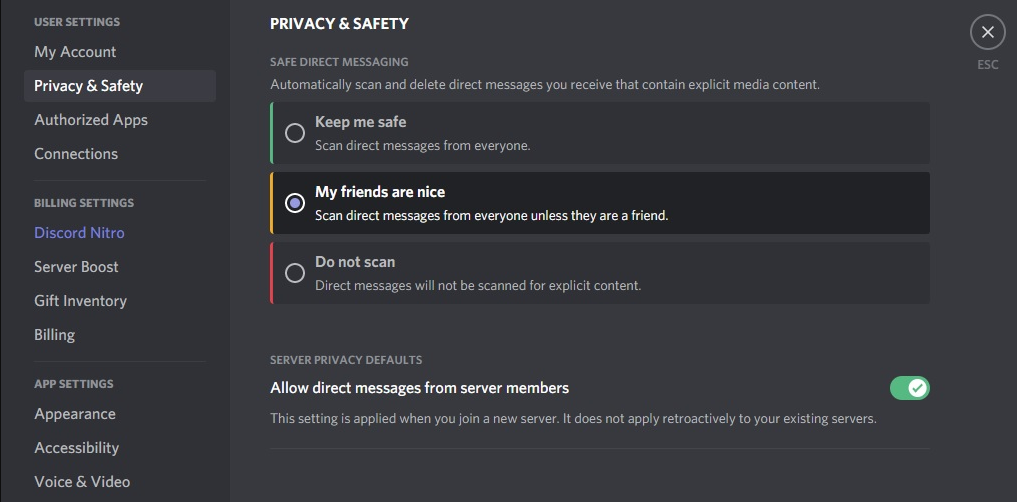
39 KB | Goddess Artemis (talk | contribs) | The Privacy Settings on the Ultima Online Forever server to allow direct messages from server members. | 1 |
| 13:18, 6 June 2023 | Accounts Discord Security Allow Direct Messages Serverwide Context Menu.PNG (file) |  |
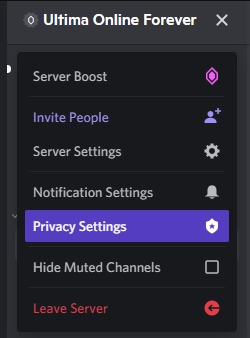
50 KB | Goddess Artemis (talk | contribs) | Server specific context menu for allowing of direct messages in Discord. | 1 |
| 13:17, 6 June 2023 | Accounts Discord Security Allow Direct Messages Accountwide.PNG (file) |  |
257 KB | Goddess Artemis (talk | contribs) | Account wide allowing of direct messages in Discord. | 1 |
| 13:15, 6 June 2023 | Accounts Login Discord Unlink Message.PNG (file) |  |
5 KB | Goddess Artemis (talk | contribs) | The !unlink message from the UOForever Bot after a successful unlinking. | 1 |
| 13:14, 6 June 2023 | Accounts Login Discord Unlink.PNG (file) |  |
4 KB | Goddess Artemis (talk | contribs) | The !unlink command used to remove your name and access to the link-level Discord channels. | 1 |
| 13:10, 6 June 2023 | Accounts Login Email Validation Message.PNG (file) |  |
10 KB | Goddess Artemis (talk | contribs) | The email verification message. | 1 |
| 13:09, 6 June 2023 | Accounts Login Email Validation Menu Step 2.PNG (file) |  |
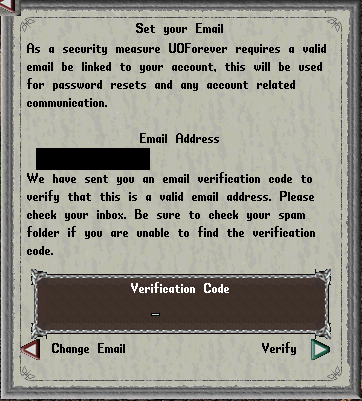
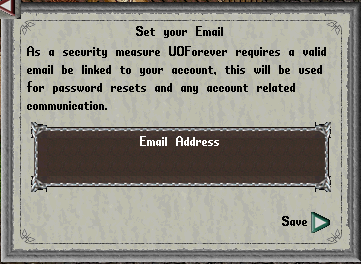
76 KB | Goddess Artemis (talk | contribs) | Second, you will need to give the Verification Code that has been sent to the email address you have provided. | 1 |
| 13:08, 6 June 2023 | Accounts Login Email Validation Menu Step 1.PNG (file) |  |
45 KB | Goddess Artemis (talk | contribs) | First, you will need to provide your email account into the Email Validation Menu. | 1 |
| 13:07, 6 June 2023 | Accounts Login Invulnerable.PNG (file) |  |
9 KB | Goddess Artemis (talk | contribs) | You are invulnerable while until your email has been validated. | 1 |
| 13:05, 6 June 2023 | Accounts Login Frozen Message.PNG (file) |  |
9 KB | Goddess Artemis (talk | contribs) | You are frozen message that occurs before your email has been validated. | 1 |
| 12:17, 6 June 2023 | Accounts Login Password Failed.PNG (file) |  |
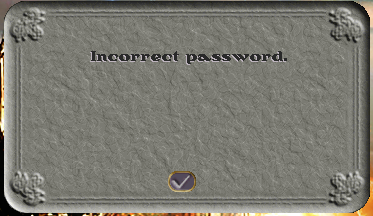
60 KB | Goddess Artemis (talk | contribs) | The Incorrect Password message that occurs when the wrong password is given to an account name in the login screen. | 1 |
| 20:40, 4 June 2023 | Butler Menu Regs Potions Misc Arrows Area.PNG (file) |  |
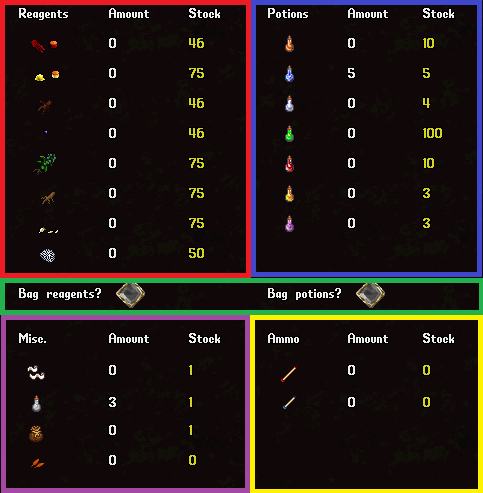
42 KB | Goddess Artemis (talk | contribs) | The Butler Menu Potions, Reagents, Misc, and Ammo Section is in the right side of the Butler Menu and for sanity's sake we have color coded the separate sections by their functionality. The Red Section is for the reagents. The Blue Section is for the Potions. The Green Section is for choosing whether or not to bag the items when retrieved. The Purple Section is for Misc items such as bags, empty bottles, bandages and Orange Petals. The Yellow section is for Ammo such as arrows and bolts. | 1 |
| 18:27, 4 June 2023 | Butler Menu Leather Area.PNG (file) |  |
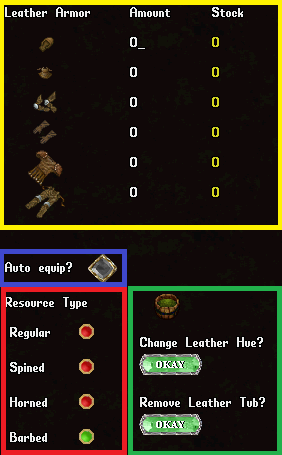
34 KB | Goddess Artemis (talk | contribs) | The Butler Menu Leather Armor Section. In the Yellow Section is the quantity of each Leather Armor piece, which must be undamaged and exceptional. The Blue Section is the option to select if you want the armor that is removed to be equipped. The Red Section is selector for what type of Leather to pull out, this can be Normal, Spined, Horned, or Barbed. The Green Section is the area used to dye the leather that is pulled out or equipped. The Green Section requires a Leather Dye Tub to be place... | 1 |
| 18:18, 4 June 2023 | Butler Menu.PNG (file) |  |
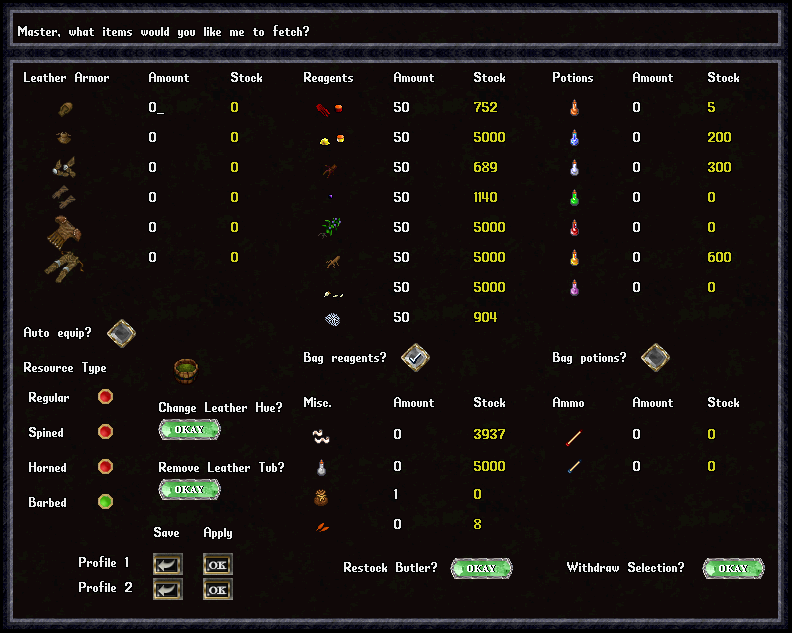
106 KB | Goddess Artemis (talk | contribs) | 1 | |
| 18:09, 4 June 2023 | Butler Menu Profile Area.PNG (file) |  |
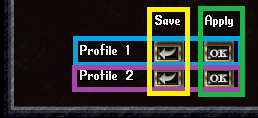
9 KB | Goddess Artemis (talk | contribs) | The Butler Menu Profile Section. The Blue Row Represents Profile 1, the Purple Row Represents Profile 2. You can use the Yellow Column to Save the current profile, and the Green Column to immediately switch to a previously Applied Profile. | 1 |
| 17:32, 4 June 2023 | Butler Withdraw Beyond Weight Limit.PNG (file) |  |
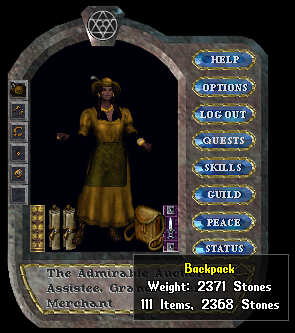
73 KB | Goddess Artemis (talk | contribs) | The Butler can allow your backpack to go beyond the 425 stone limit, but not beyond the 125 item limit. While this is impressive, it is not practical as you lose all of your stamina when attempting to move overloaded like this. This is helpful, however for transferring goods between butlers! | 1 |
| 16:41, 4 June 2023 | Butler Restock Leather Warning.PNG (file) |  |
10 KB | Goddess Artemis (talk | contribs) | The Butler Leather Armor Restock warning. The Butler currently only accepts Exceptional Non-Damaged Leather of Normal, Spined, Horned, or Barbed Leather Materials. Magical, damaged, or regular quality Leather will be ignored and show this message for each item found. | 1 |
| 14:43, 4 June 2023 | Butler Rename Menu.PNG (file) |  |
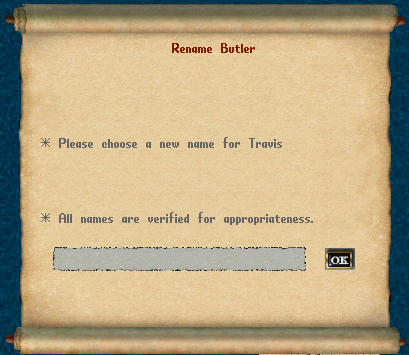
93 KB | Goddess Artemis (talk | contribs) | The Butler Renaming Menu, these names are checked for appropriateness so please be kind to your Butler, or they may be consequences! | 1 |
| 14:37, 4 June 2023 | Butler Paperdoll.PNG (file) |  |
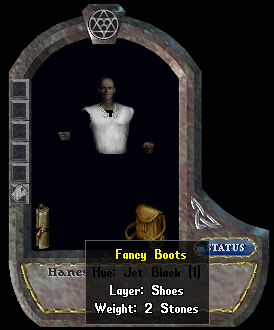
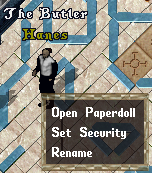
53 KB | Goddess Artemis (talk | contribs) | Butler Paperdoll, this is a freshly placed Butler that comes stock with Fancy Boots, Fancy Pants, Fancy Tunic and shirt. | 1 |
| 13:52, 4 June 2023 | Butler Location.PNG (file) |  |
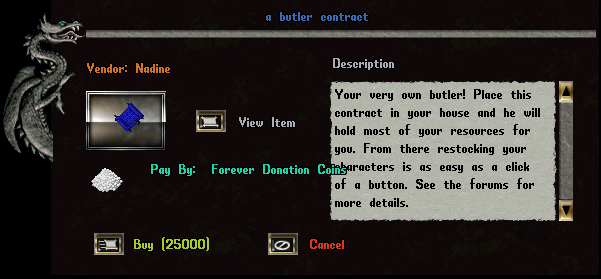
61 KB | Goddess Artemis (talk | contribs) | The Butler Contract which is available from Nadine the Exotic Item Donation Vendor for 25000 Donation Coins. There is a Blue and Green deed version, however there is no difference between the 2 Contracts. When a Butler is chopped with an axe to be re-deeded you will get a Green deed back. | 1 |
| 13:42, 4 June 2023 | Butler Deeds.PNG (file) |  |
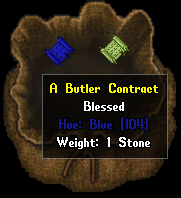
28 KB | Goddess Artemis (talk | contribs) | Butler Contracts, on the left is a newly purchased, never used been used contract which is indicated by the blue color. The right is the same contract but has been placed one before. Butler keep all inventory, names, and items worn when they are returned back into a butler contract. | 1 |
| 13:24, 4 June 2023 | Butler Preview.PNG (file) |  |
33 KB | Goddess Artemis (talk | contribs) | The Butler which is a house add on that allows the storage and organization of items you would use to adventure with such as Reagents, Potions, Bandages, Arrows, Orange Petals and the butler will even store and help you don your Leather Armor! | 1 |
| 13:12, 4 June 2023 | Butler Increase Deed House Sign Count.PNG (file) |  |
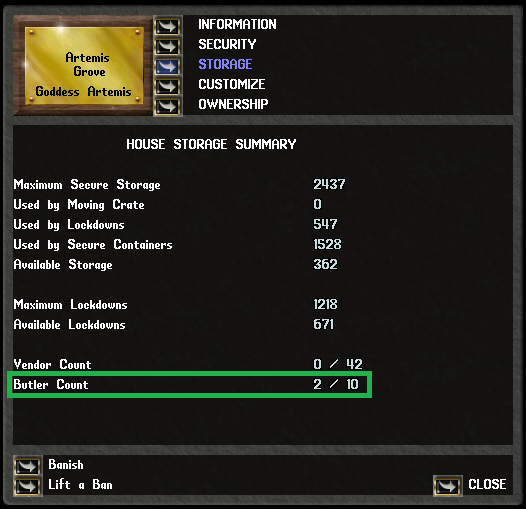
180 KB | Goddess Artemis (talk | contribs) | The House Sign Menu's Storage selection where you can see the current and maximum number of Butlers a home can have. | 1 |
| 13:11, 4 June 2023 | Butler Increase Deed Maximum Message.PNG (file) |  |
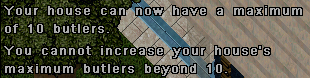
22 KB | Goddess Artemis (talk | contribs) | The message when you have reached the most number of maximum butlers in your home when using a Butlers Increase Deed. | 1 |
| 13:09, 4 June 2023 | Butler Increase Deed Increase Message.PNG (file) |  |
10 KB | Goddess Artemis (talk | contribs) | The message of a successful increase in the number of Butlers that can be in a home when using the Butlers Increase Deed. | 1 |
| 13:02, 4 June 2023 | Butler Increase Deed Location.PNG (file) |  |
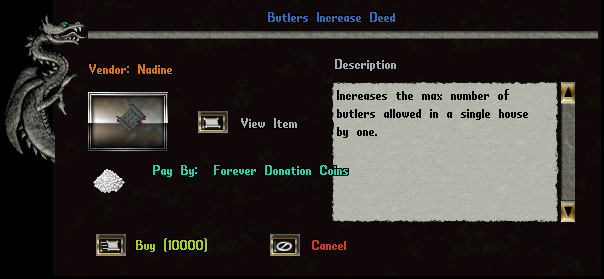
61 KB | Goddess Artemis (talk | contribs) | The Butlers Increase Deed will increase your homes maximum butler count by 1 up to a maximum of 10 Butlers. | 1 |
| 11:34, 4 June 2023 | Threestory5.png (file) |  |
273 KB | Goddess Artemis (talk | contribs) | 1 | |
| 11:32, 4 June 2023 | Threestory4.png (file) |  |
260 KB | Goddess Artemis (talk | contribs) | 1 | |
| 10:52, 4 June 2023 | Bank Storage Increase Deed Last Use.PNG (file) |  |
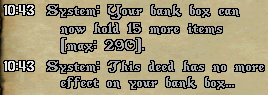
15 KB | Goddess Artemis (talk | contribs) | When you can no longer benefit from using a Bank Storage Increase Deed, you will receive a message stating that the deed will have no effect. You cannot go above 300 maximum items in your bank so you will receive this message at 290 items. | 1 |
| 10:50, 4 June 2023 | Bank Storage Increase Deed First Use.PNG (file) |  |
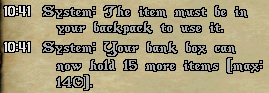
15 KB | Goddess Artemis (talk | contribs) | The First use of a Bank Storage Increase Deed. The deed must be used from your backpack and will increase the maximum item count of your characters bank by 15. | 1 |
| 10:47, 4 June 2023 | Bank Storage Increase Deed Location.PNG (file) |  |
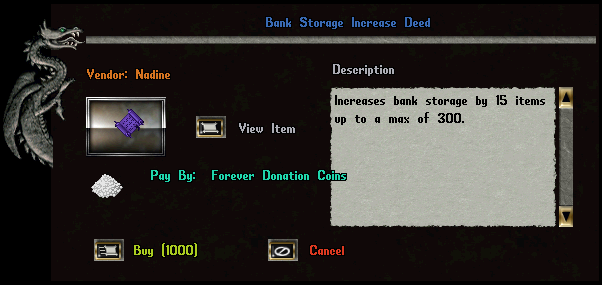
61 KB | Goddess Artemis (talk | contribs) | The Bank Storage Increase Deed will increase your banks storage's item count by 15 up to a maximum of 300 items. | 1 |
| 01:00, 4 June 2023 | Identifying Sorting Shelf Menu Message Of Identified Items.PNG (file) |  |
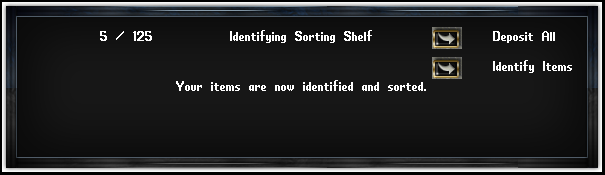
28 KB | Goddess Artemis (talk | contribs) | If the criteria is met to successfully use the Identifying Sorting Shelf, then a single charge will be used identify all items within the Identifying Sorting Shelf and this message will appear in the menu. | 1 |